
iPhone & iPad
- 1Open AutoAid in Safari on your iPhone or iPad.
- 2Tap the Share button at the bottom of the screen.
- 3Scroll down and tap “Add to Home Screen”.
- 4Tap “Add”. AutoAid now sits with your other apps.
Look for the Share icon in Safari.
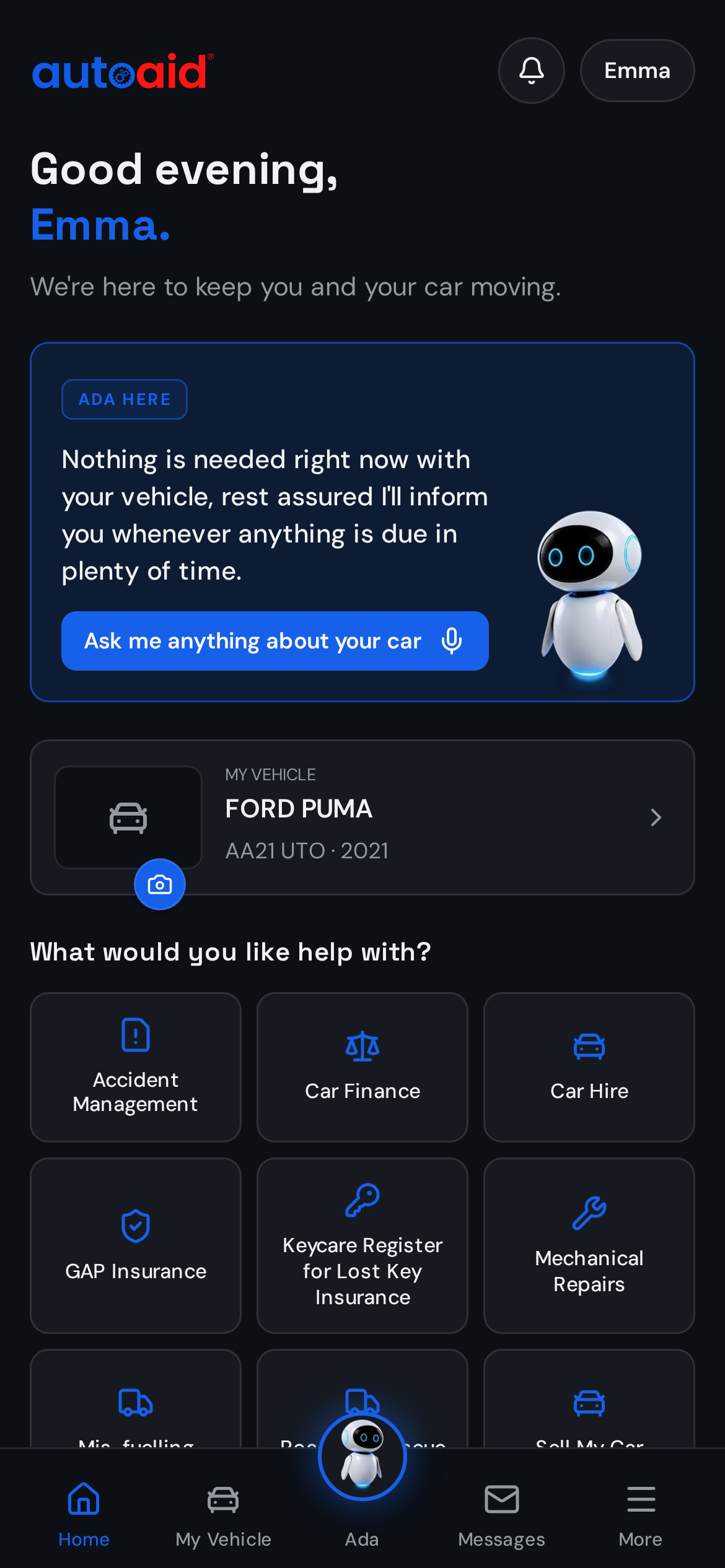
There's no app store download. AutoAid opens in your browser and can be added to your phone in a few taps.
Or open https://app.auto-aid.co.uk directly on your phone.
Look for the Share icon in Safari.
Wording varies slightly between Android versions.
Once you're in, add your vehicle and documents and AutoAid starts keeping track for you.